How to Automatically Save Invoice PDFs from Gmail to Google Drive with Make
We extended our Gmail-to-Google-Drive workflow with a third AND condition so only PDF attachments from a specified sender with the exact subject invoice are uploaded.
What we are building
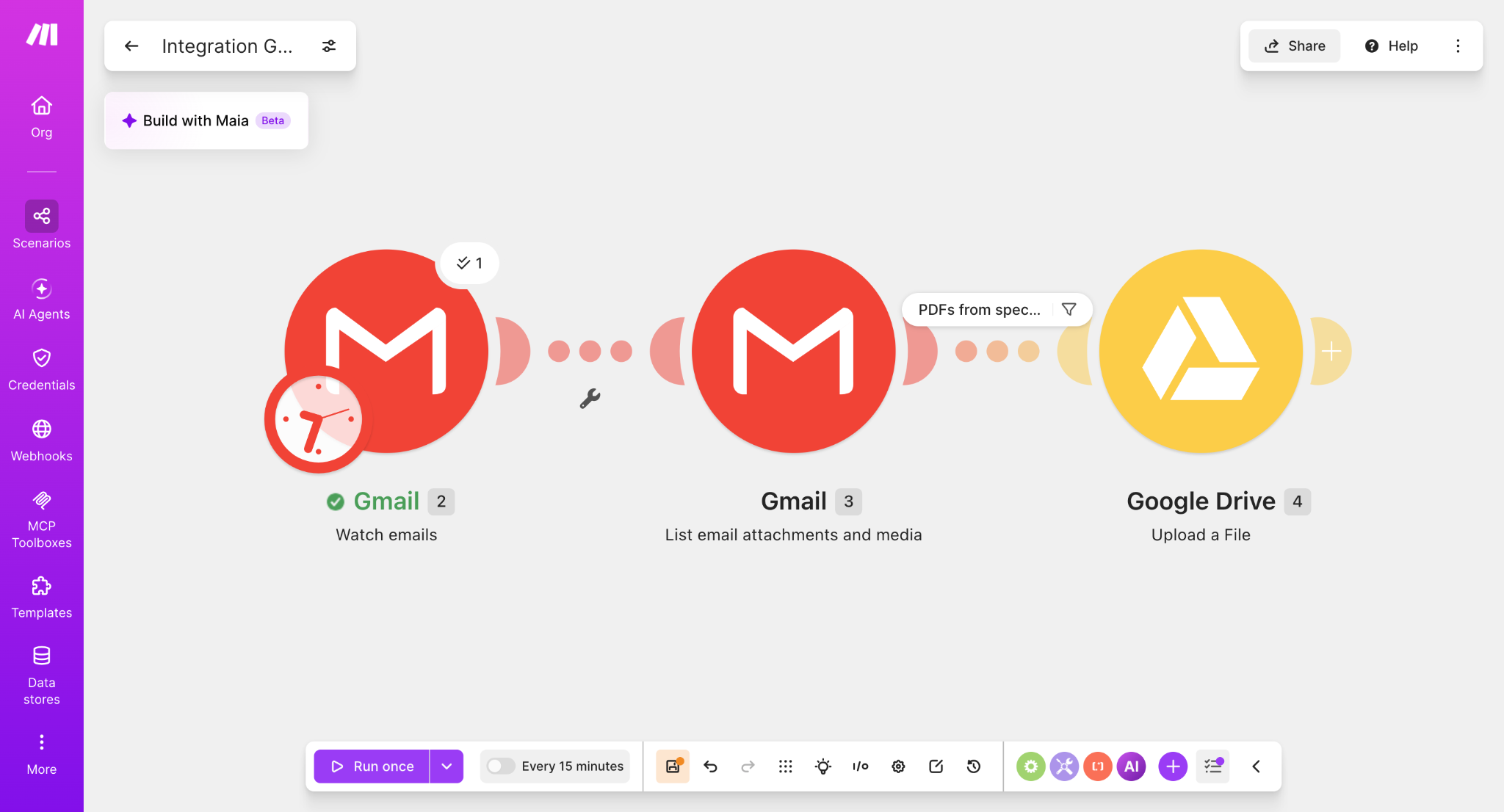
The scenario uses three modules: Gmail — Watch emails, Gmail — List email attachments and media, and Google Drive — Upload a File.
Configure the three AND conditions
Open the filter between Gmail — List email attachments and media and Google Drive — Upload a File. Configure all three rules with AND.
MIME type
Equal toapplication/pdfFrom (email)
Equal tosender@example.comSubject
Equal toinvoice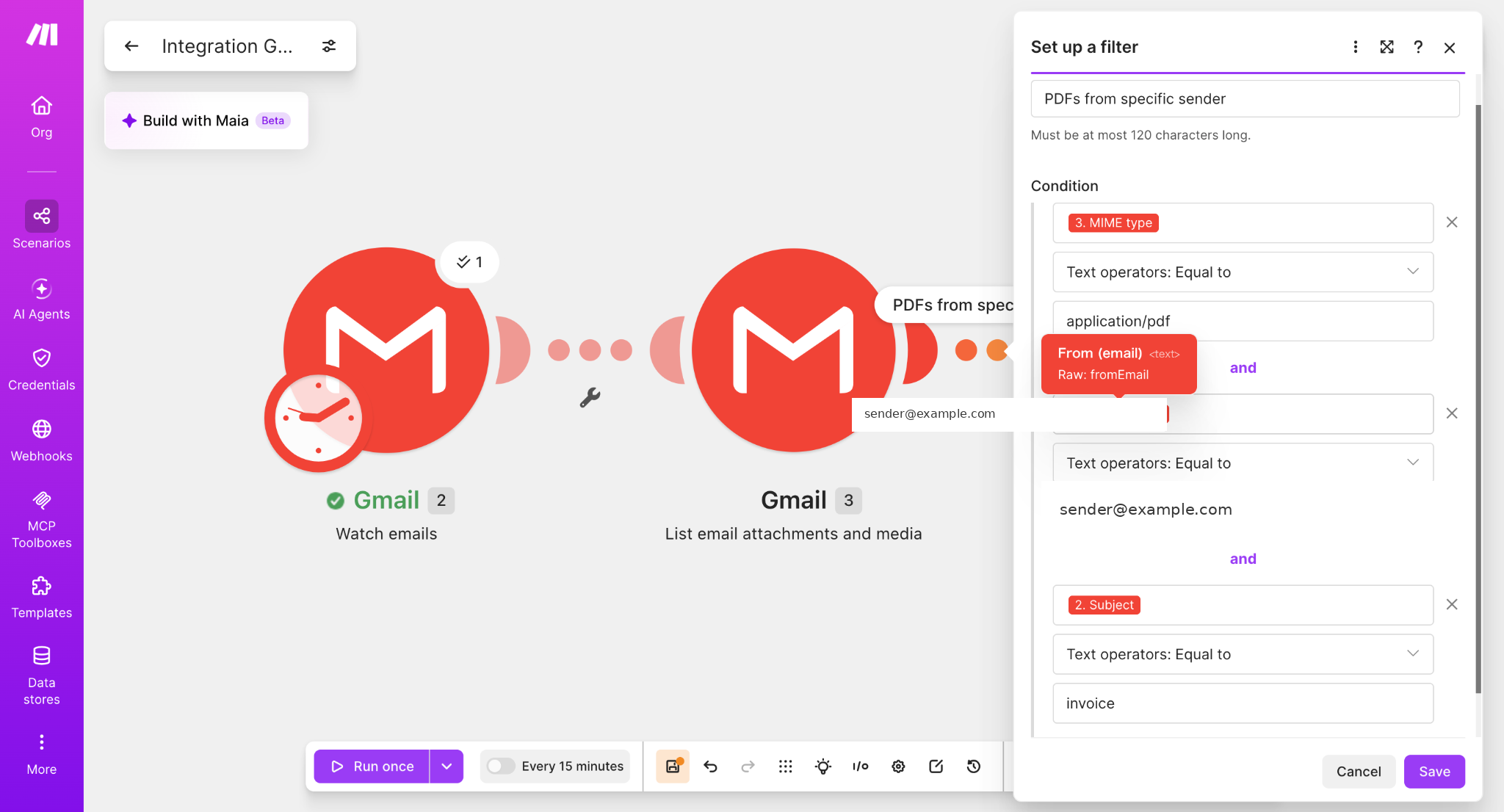
Why we used “Equal to” for the subject
For this hands-on test, the subject condition was configured as an exact match. The tested value was invoice. This article therefore documents the behavior we actually verified rather than claiming broader keyword matching.
| Email subject | Expected result with this filter |
|---|---|
invoice | Pass |
report | Blocked |
Invoice August | Does not exactly match |
August invoice | Does not exactly match |
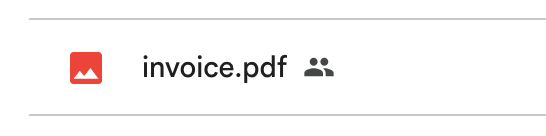
Test 1: matching invoice email
We sent a message from the configured sender with a PDF attachment and the exact subject invoice. The attachment passed all three conditions and reached Google Drive.
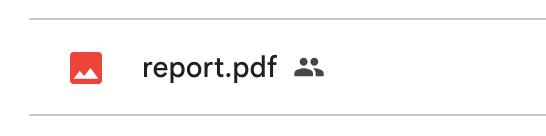
Test 2: different subject
We then repeated the test with a different subject. The PDF did not satisfy the exact subject condition, so the workflow did not upload it through the tested route.
Final filter configuration
MIME type = application/pdf
AND
From (email) = sender@example.com
AND
Subject = invoice
If any one of these conditions fails, the attachment does not proceed to the Google Drive upload module.
Where this workflow is useful
This pattern is useful when a mailbox receives many attachments but only a narrow class of documents should be archived automatically. The same structure can be adapted for receipts, monthly reports, statements, or purchase orders by changing the sender and exact subject value.
Important limitation
This tested configuration uses Subject → Equal to → invoice. It does not mean “save any message whose subject contains the word invoice.” Broader subject matching requires a different filter configuration and was not part of this test.
What we verified
- Gmail messages can be monitored by Make.
- Attachments can be listed and processed individually.
- PDFs can be selected with MIME type
application/pdf. - A specific sender can be required.
- An exact subject can be required as a third AND condition.
- The matching invoice PDF reaches Google Drive.
- A non-matching subject is rejected.
Next, see how we added a Router and sent invoice and report PDFs to different Google Drive folders: Automatically sort Gmail PDFs into Drive folders with Make.
Next step
Once this filter is stable, useful extensions include month-based folders, standardized filenames, sender-based folders, duplicate prevention, and logging saved invoices in Google Sheets.
Build this workflow in MakeAffiliate disclosure: Some links on Automation Lab Guide may be affiliate links. If you register through one of these links and later become a paying customer, we may receive a commission at no additional cost to you.